
Customers
In this article, you'll learn how the Customers section works in Enjo and what Accounts, Contacts, and Visitors are, how the identity lifecycle works, and how customer data connects to the rest of the platform.
How Customers works
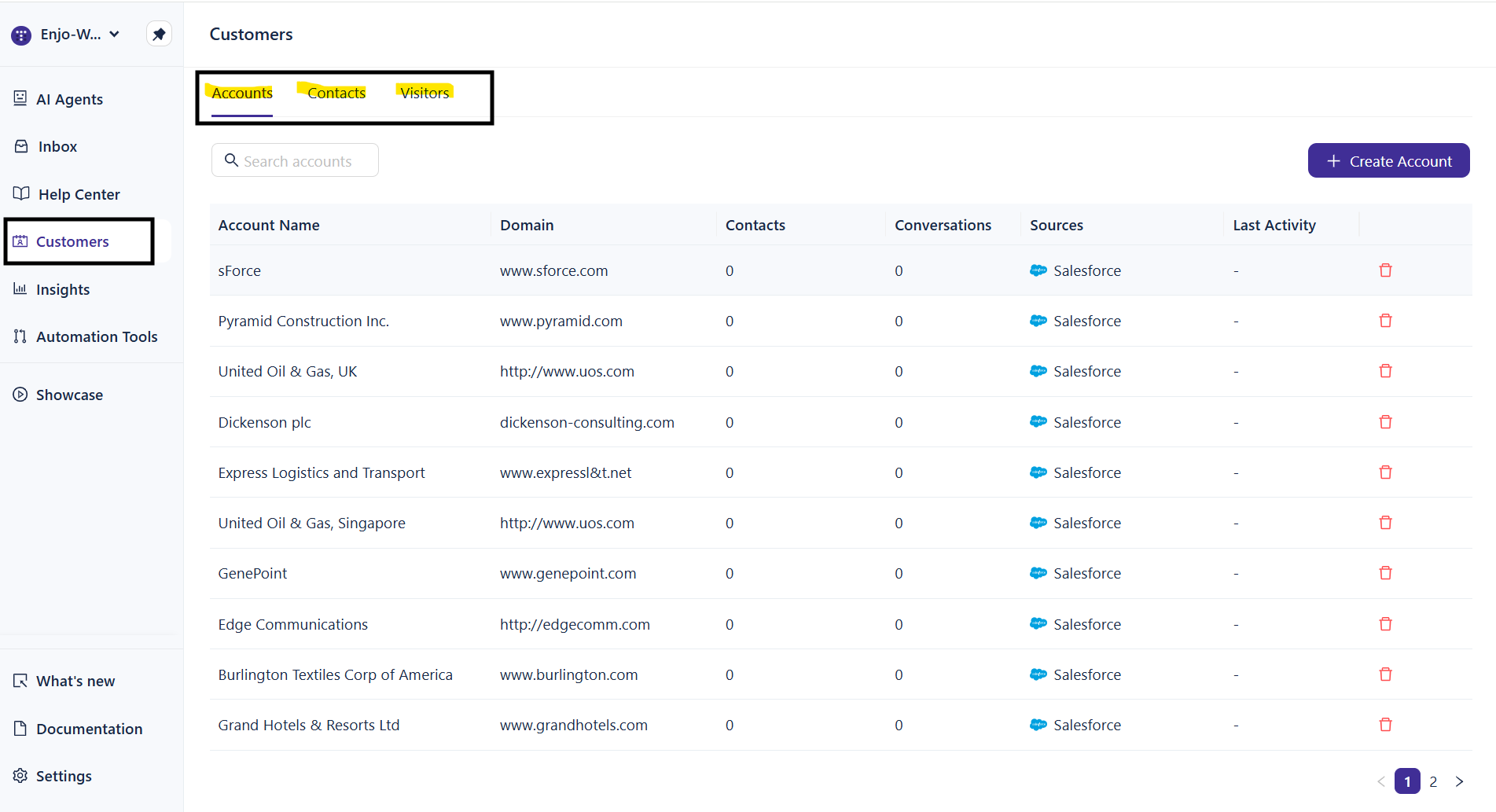
The Customers section is where you manage every external identity that interacts with your AI Agents or human support team. You'll find it in the left navigation between Help Center and Insights.
Customer records are organized around three entities:
Entity | What it represents |
|---|---|
Account | A B2B organization or company. Use Accounts to group contacts, track conversations by organization, and enable account-level context for AI responses. |
Contact | A known individual with a persisted identity — at minimum, a name and email. Contacts can be associated with an Account and carry profile metadata used by AI Agents for personalization. |
Visitor | An anonymous user interacting with Enjo through a web widget or other channel without providing identifying information. Visitors are tracked by session only. |
Identity lifecycle
External users in Enjo move through a natural progression from anonymous to fully identified. Conversation history is preserved at every transition — no context is lost when a visitor becomes a contact.
Visitor → Contact (Unverified) → Contact (Verified)
Visitor — a session-based identity created automatically when someone interacts with an AI Agent without providing an email. Not reliably identifiable across devices or sessions.
Contact (Unverified) — created when an email is captured during a conversation or added manually. The contact exists in Enjo with a persisted record, but email ownership has not been confirmed.
Contact (Verified) — email ownership has been confirmed. Verified contacts are eligible for higher-trust interactions and more personalized AI responses.
💡TIP: When a visitor provides their email and becomes a contact, all prior conversation history is preserved and linked to the new contact record. No data is lost during identity transitions.
How Customers connects to the rest of Enjo
Customer data flows into multiple parts of the platform:
Inbox — conversations are linked to the contact or visitor who initiated them. Agents see account context and conversation history alongside every conversation.
AI Agents — when a contact or account profile exists, the AI Agent uses that context to personalize responses. This includes referencing the account name, respecting entitlements, and adjusting tone based on past interactions.
Insights — customer data feeds into reporting. Track conversations by account, monitor contact activity, and identify trends across your customer base.
How AI uses customer data
Enjo AI Agents automatically personalize responses when customer profile data is available. No configuration is required — the AI assembles context from the contact and account profile before every response.
What the AI can use:
Account name and associated metadata
Contact identity state (verified vs. unverified) to calibrate trust level
Past conversation topics and escalation history for continuity
Customer tier and account type for entitlement-aware responses
What the AI will not expose:
Billing data or internal pricing
Internal notes or restricted knowledge
Any data outside the workspace boundary
💡TIP: The AI adjusts its behavior based on identity state. For visitors, it avoids account-specific assumptions. For verified contacts, it can reference past history and account context.
Permissions
Owners and Admins have full access to create, edit, block, and delete customer records. Agents can view customer profiles linked to their conversations but cannot modify records. Custom roles can be configured to tailor access as needed.
What's next
Managing Accounts — Create and manage the B2B organizations your team supports.
Managing Contacts — Create, edit, and manage individual contact records.
Understanding Visitors — Learn how anonymous users are tracked and how they become contacts.
Importing Customers — Bulk-import accounts and contacts from CSV or Salesforce.